 reversy
Record in one tap
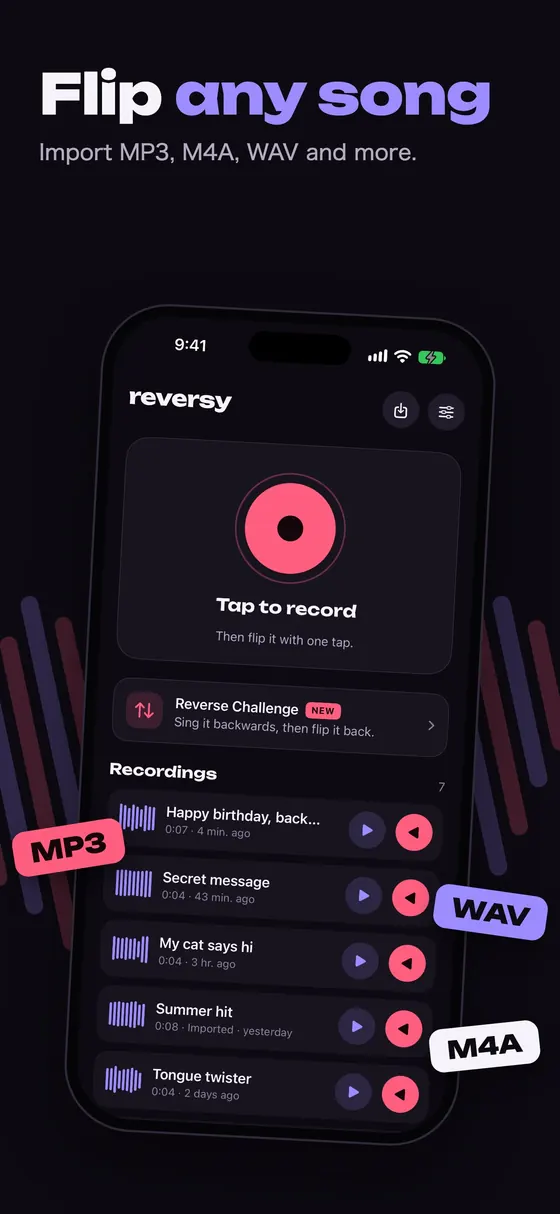
Tap the big button and talk, sing or hold the iPhone up to any sound. A live meter shows your level.
Reverse audio app for iPhone
Reversy records your voice, a song or any sound and plays it reversed with one tap. Try the reverse singing challenge, play with pitch and speed, and share the result as a video.
Free with ads. For iPhone with iOS 17 or later.
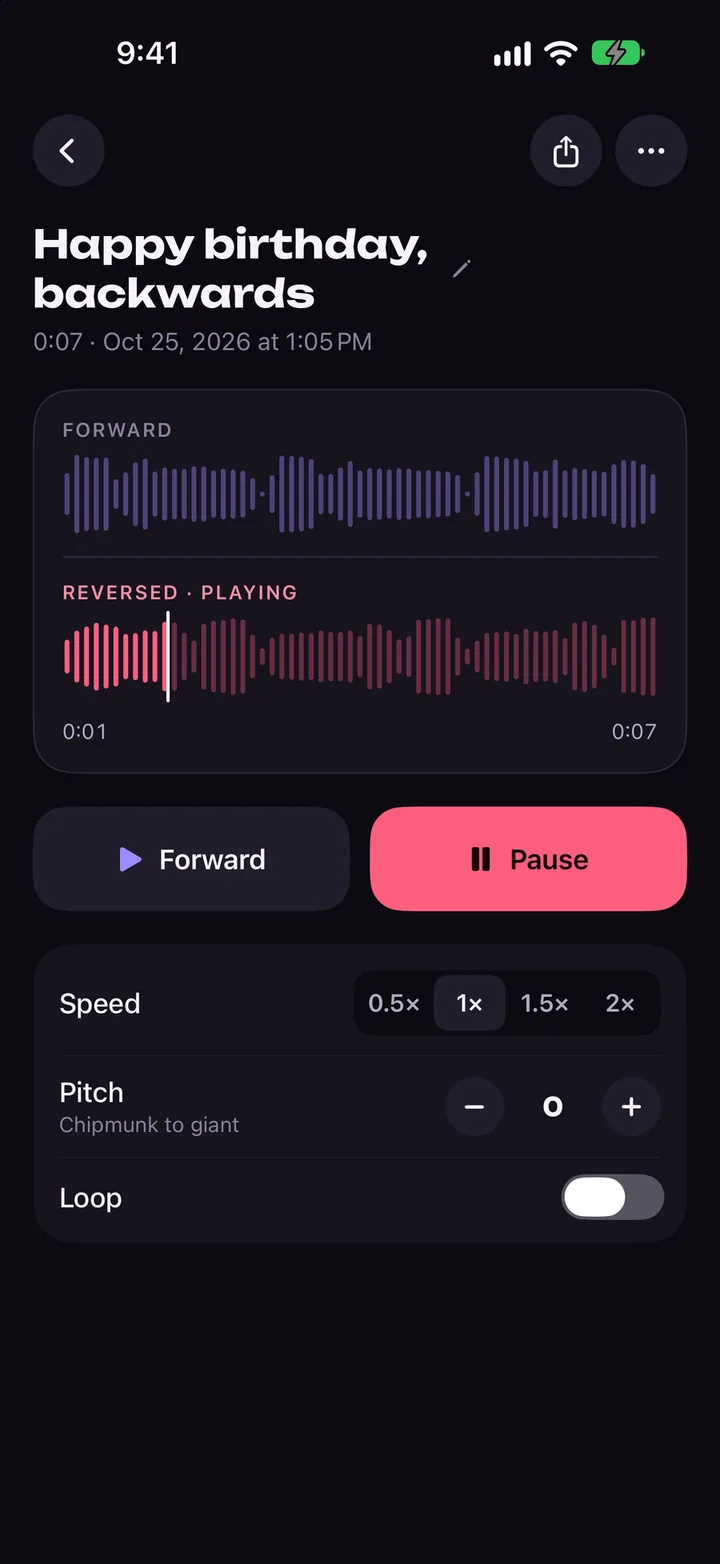
Reverse Challenge
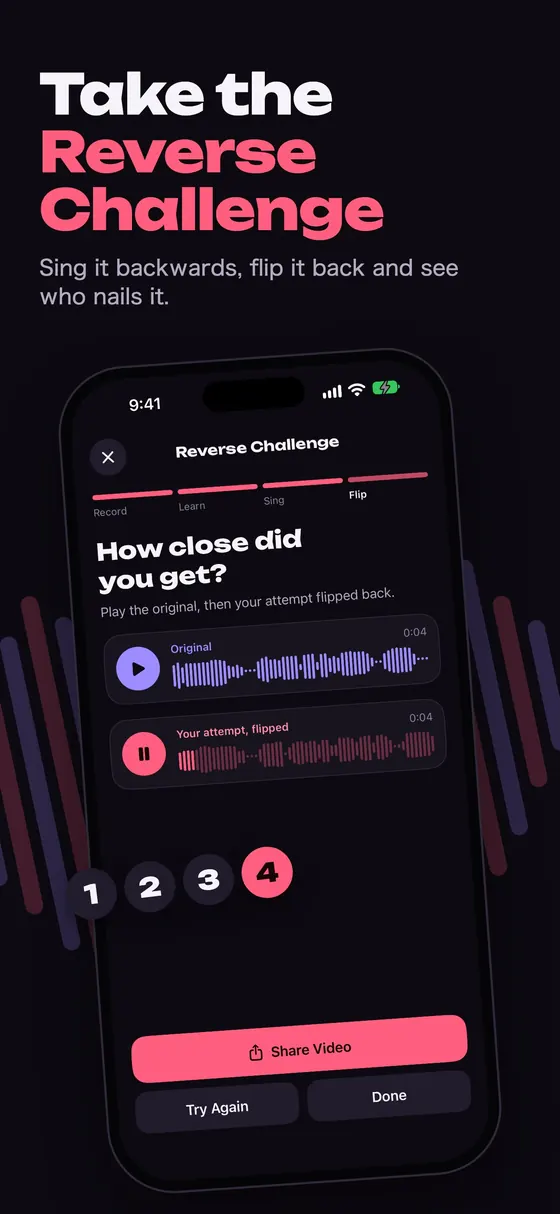
Sing a phrase backwards, flip it, and find out if it turns back into the real words. Reversy walks you through the whole trend.
Say or sing a short line: a lyric, your name, a tongue twister.
Reversy plays your phrase backwards. Loop it and slow it down until you can copy the sounds.
Record yourself imitating the backwards audio as closely as you can.
Reversy flips your attempt. If you nailed it, you hear the original words again.
Record, reverse, tweak and share, all in one small app.
Tap the big button and talk, sing or hold the iPhone up to any sound. A live meter shows your level.
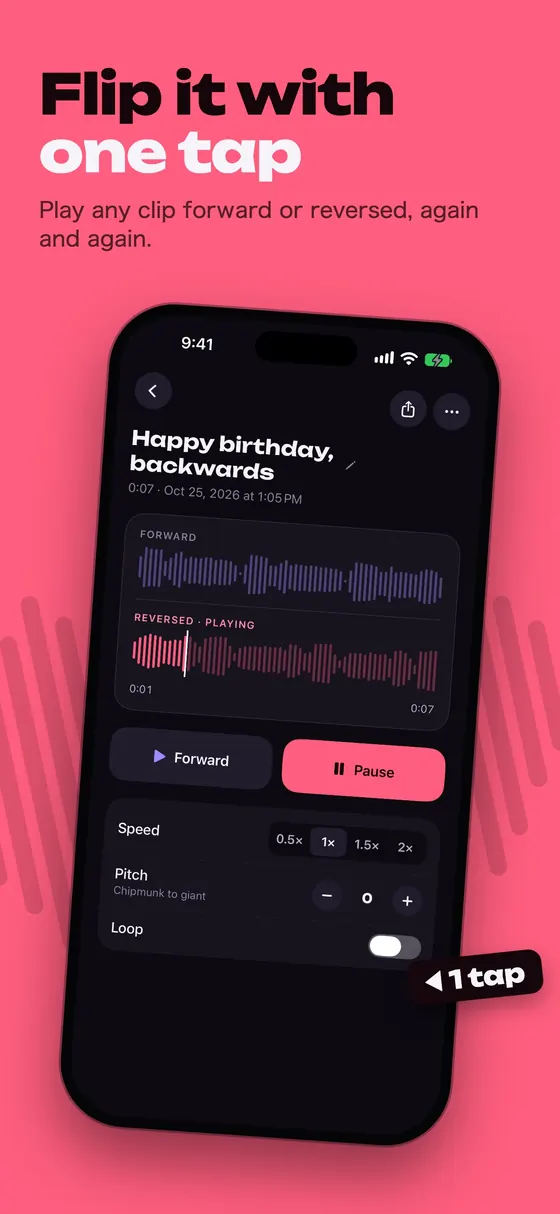
Every recording is ready to play backwards the moment you stop. Switch between forward and reversed any time.
A guided four-step mode for the reverse singing trend, ending with a side-by-side comparison.
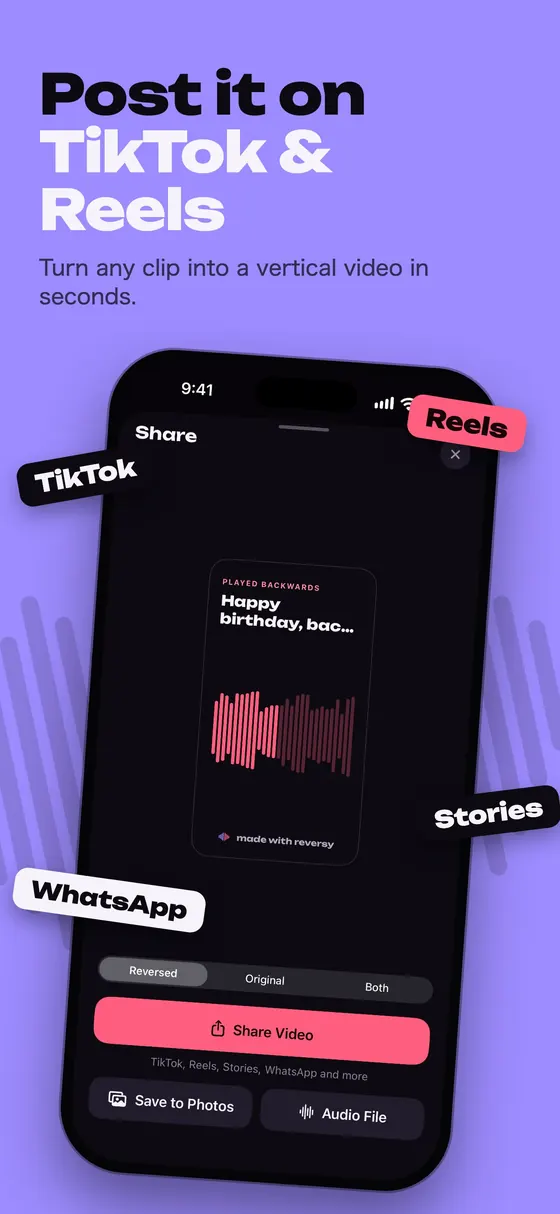
Turn a clip into a vertical 9:16 video with a moving waveform, ready for TikTok, Instagram Reels and Stories.
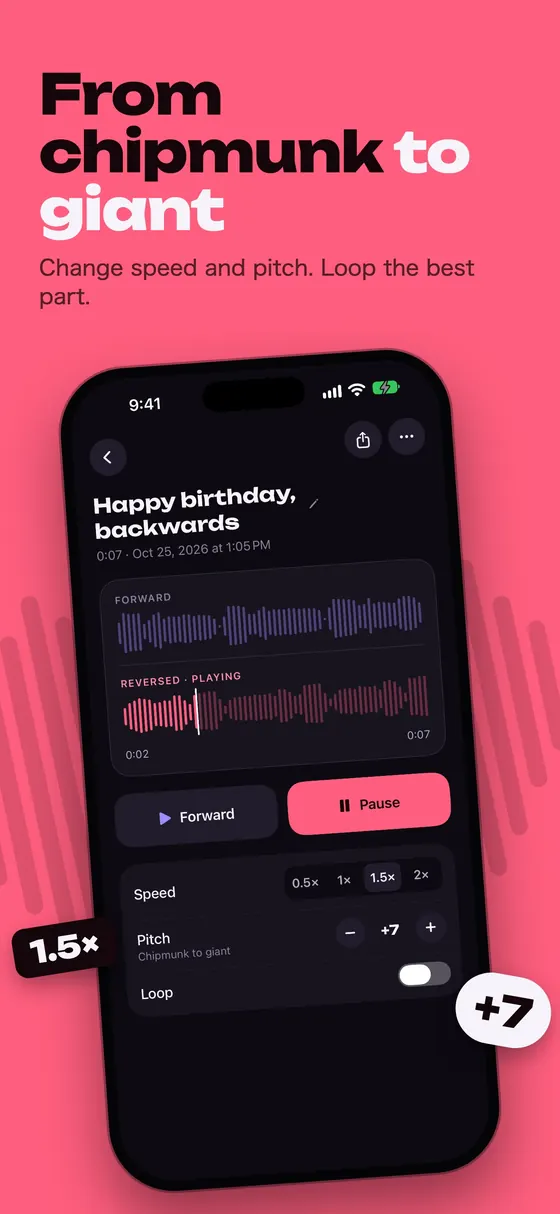
Shift the pitch up or down by up to 12 semitones and play at 0.5×, 1×, 1.5× or 2× speed.
Repeat a clip on its own, which helps a lot when you're learning a phrase backwards.
Bring in a song or voice memo from Files, such as MP3, M4A or WAV, and reverse it too.
Recordings are saved with their waveforms. Rename them, replay them and pick up where you left off.
Reverse Challenge
The challenge mode takes you from your original phrase to a reversed attempt and back again. When you flip your attempt, the words either come back or turn into something hilarious.
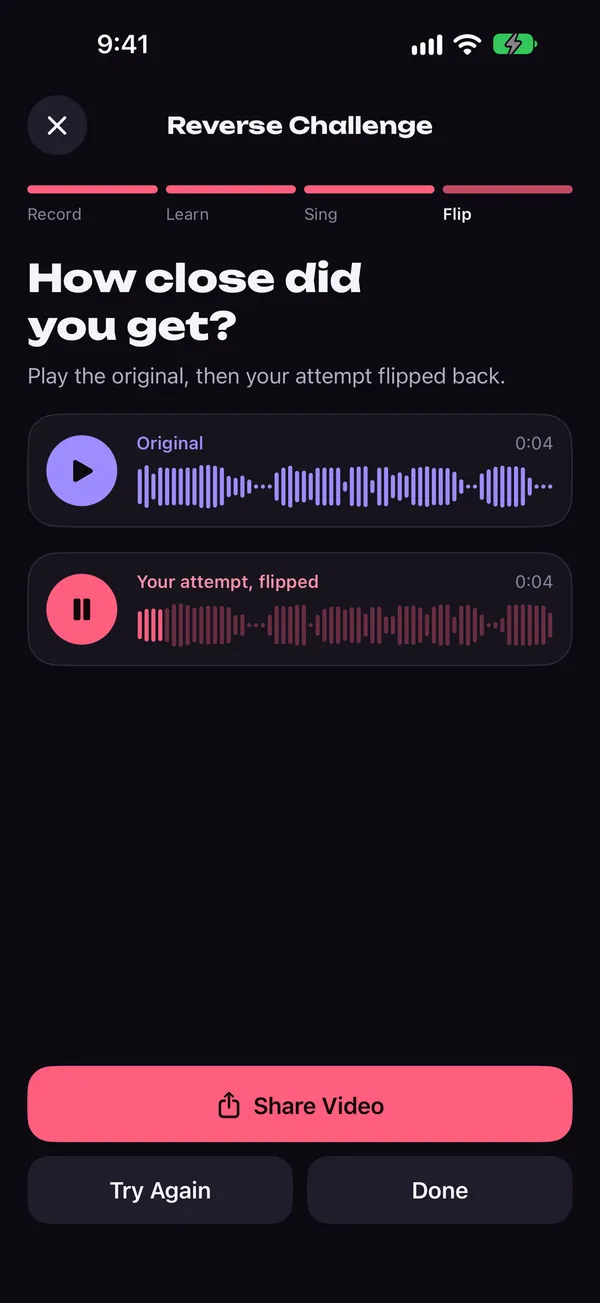
Share
Export a clip as a vertical video with an animated waveform, or send just the audio. Choose the reversed version, the original, or both one after the other.
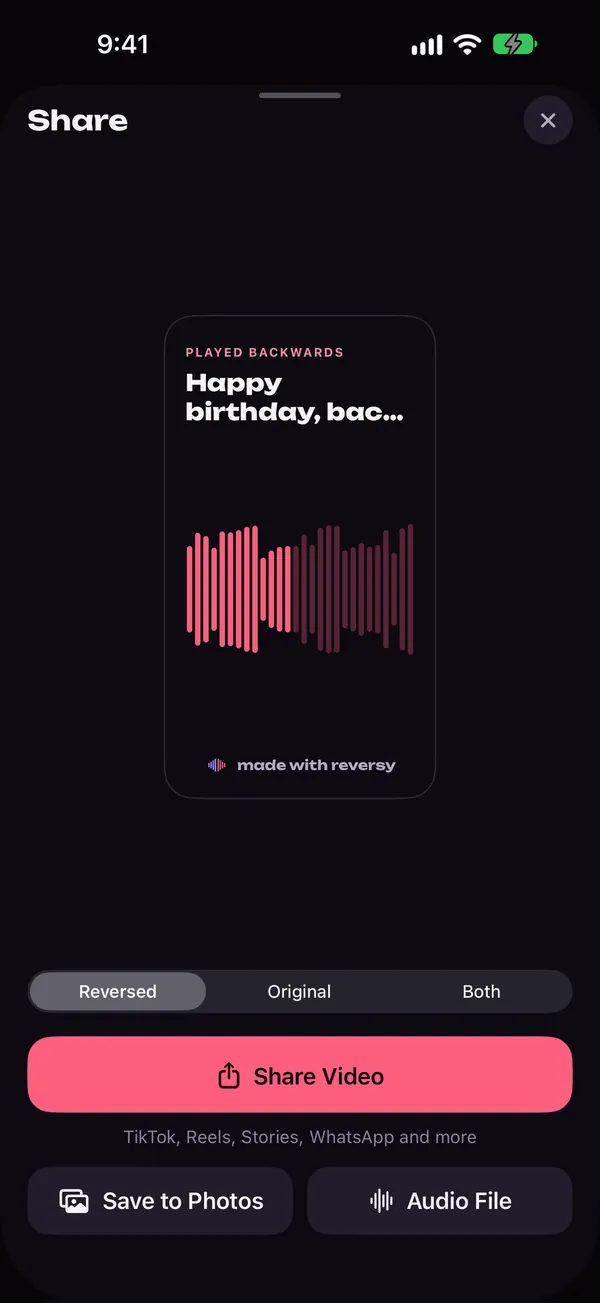
Effects
Turn your voice into a chipmunk or a giant, slow a reversed line down to study it, or speed it up for a laugh. Your settings stay put until you reset them.
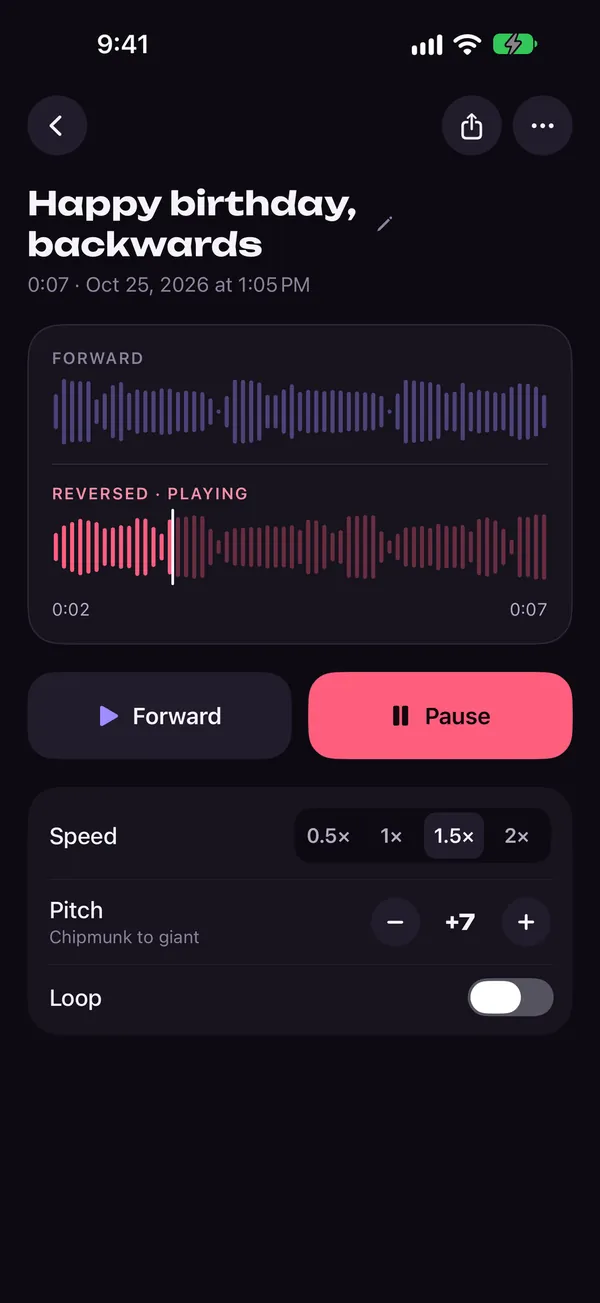
Tap record and say something, or import an audio file from Files.
Tap the coral Reversed button to hear your clip backwards. Add pitch, speed or loop if you like.
Export a video or audio file and post it, or send it to friends.
Reversy records and reverses audio on your device. Nothing is uploaded unless you share it yourself, and there's no account to create.
Reversy is a reverse audio app for iPhone. It records sound, plays it backwards, and turns clips into videos for social media.
| Platform | iPhone, iOS 17 or later |
|---|---|
| What it does | Records voice or any sound and plays it reversed or forward; imports audio files |
| Reverse Challenge | Record a phrase, learn it reversed, sing it backwards, flip your attempt and compare |
| Effects | Pitch −12 to +12 semitones, speed 0.5× to 2×, loop |
| Sharing | 9:16 video (1080×1920) or audio file; reversed, original or both; save to Photos |
| Account | Not needed |
| Languages | 11, including English, Spanish, German, Japanese, Korean and Arabic |
| Price | Free with ads: listening and effects are free, and a short ad unlocks each recording, challenge, share or import. Reversy Pro removes ads and limits. |
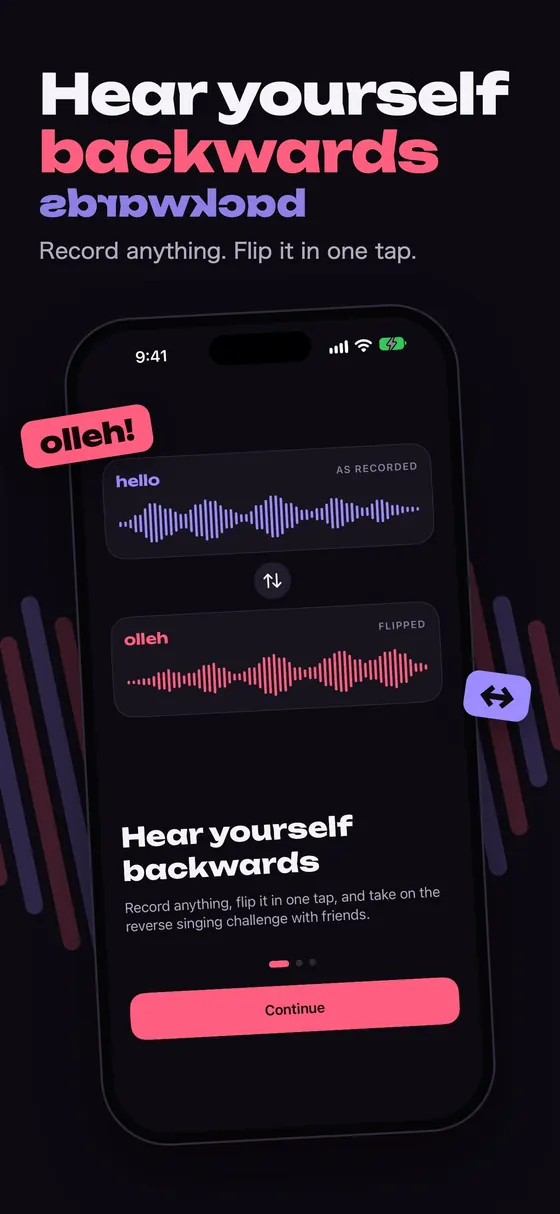
iPhone can't play audio backwards on its own. Here's how to reverse your voice, a song or a Voice Memo on iPhone in seconds, and share the result.
Read the guideHow the reverse singing challenge works, which phrases to pick, and practical tips for singing backwards so your flipped attempt sounds like the real words.
Read the guideWhy reversed speech sounds the way it does, plus fun ideas to try: your name backwards, secret messages, palindromes, songs and party games.
Read the guideOpen Reversy, tap the record button, say something and tap stop. Your recording opens in the player; tap the coral Reversed button to hear it backwards. You can switch back to the forward version at any time.
It's a social media trend: you record a phrase, listen to it backwards, try to sing the backwards version, then reverse your attempt. If you copied the sounds well, your flipped attempt sounds like the original words. Reversy has a guided mode for each step.
Yes. Tap import, pick an audio file from Files (for example MP3, M4A or WAV) and Reversy adds it to your library, ready to play backwards.
Open a recording and tap share. Choose the reversed version, the original or both, then share it as a vertical video or an audio file, or save the video to Photos and post it from TikTok, Instagram Reels or Stories.
Yes. Move the pitch up or down by up to 12 semitones and play at 0.5×, 1×, 1.5× or 2×. Turn on loop to repeat a clip while you practise.
Reversy is free to download and use with ads. Listening and effects are always free; each new recording, challenge, share or import is unlocked by watching one short ad. Reversy Pro removes all ads and limits. It's offered weekly (with a free trial where available) or yearly and renews automatically until you cancel it in your Apple Account settings.
No. Recordings and imported files stay on your iPhone. They only leave it when you share them yourself.
Reversy needs the microphone to record your voice. If you said no, turn it on in Settings › Privacy & Security › Microphone › Reversy. You can still import audio files without it.
Download Reversy and find out in five seconds.
Download on theApp Store